
History tab

History records edits for the active photograph and lets you return to an earlier state.
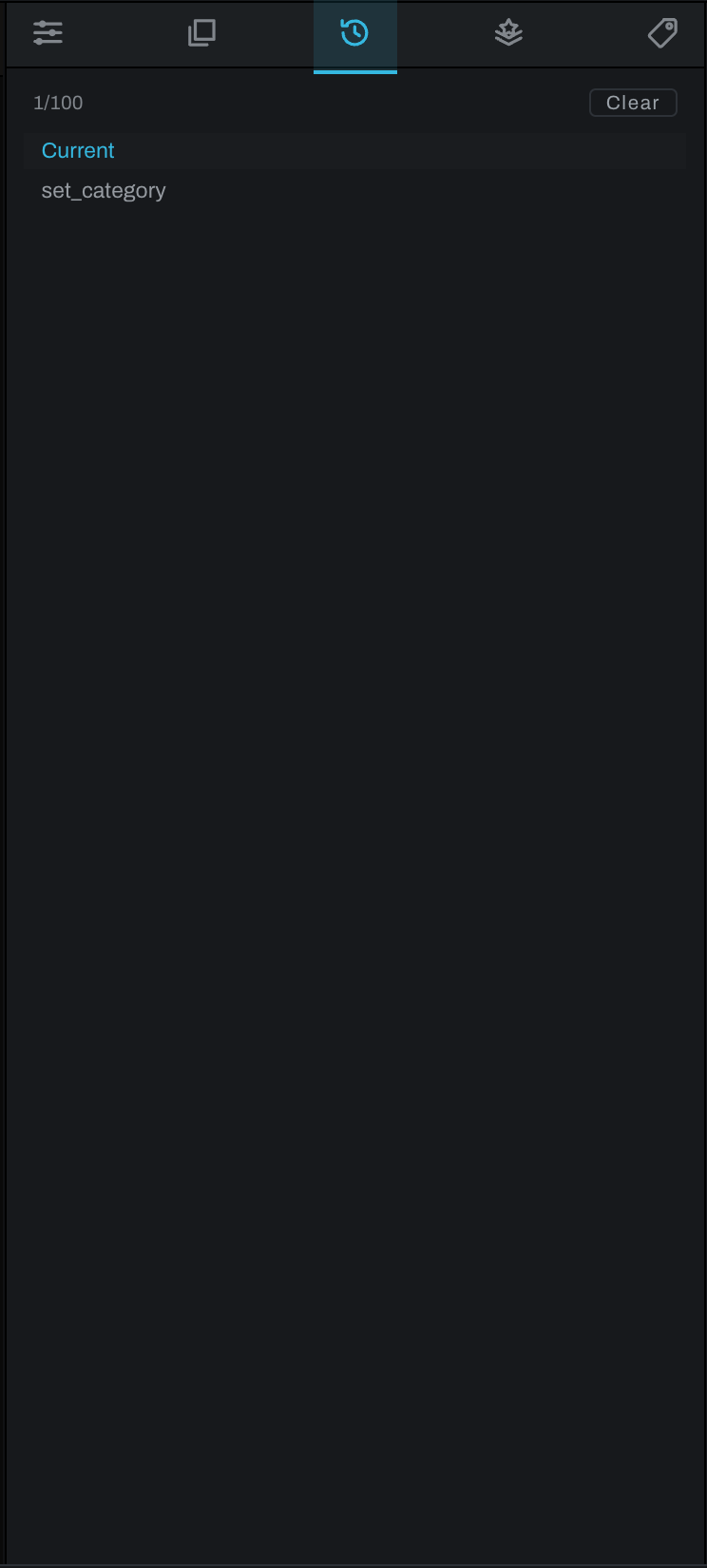
Using History
The top of the list is Current. Earlier edits appear below in reverse order. Click a step to revert the photograph to the state before that step. Heeler updates the viewport and controls together.
History is photograph-specific. Opening another photograph shows that photograph's history. Up to 100 recent steps are displayed in the panel.
Undo and redo
Use Edit > Undo to step backward and Edit > Redo to step forward. A history jump is useful when the desired point is several operations back. New editing after moving backward establishes a new current path, so verify the image before continuing.
History tracks editing operations, including graph and layer changes. File management and exported output files are not transformed into image-edit history entries.