Layer effects

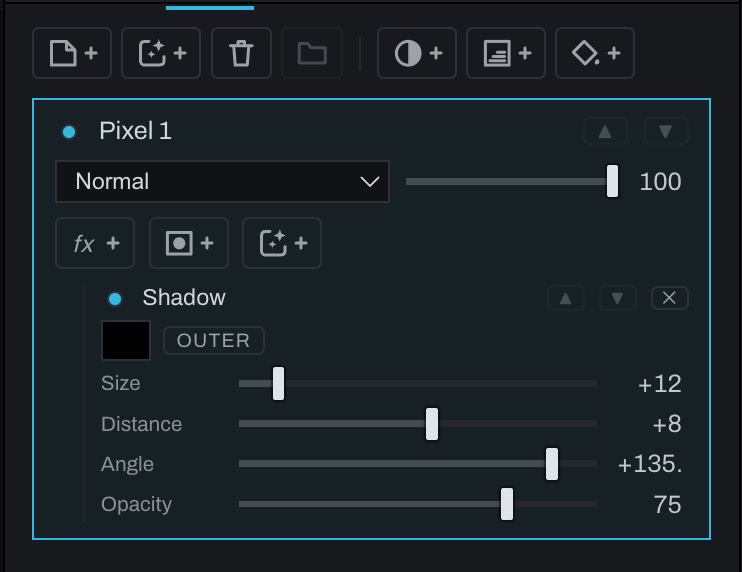
Layer effects derive appearance from a layer's own visible shape. Click + fx on a layer and choose an effect. Effects remain editable nodes on that layer's chain and can be repeated.
Effects
- Shadow controls size, distance, angle, opacity, and color; where offered, choose inner or outer.
- Glow controls size, opacity, and color; where offered, choose inner or outer.
- Color Overlay covers the layer shape with a chosen color and opacity.
- Gradient Overlay applies a configurable gradient, angle, midpoint, and opacity.
- Bevel / Emboss adds dimensional highlight and shadow with size, depth, angle, opacity, and colors.
- Blur supports available blur kinds with radius and angle where relevant.
Effects follow layer alpha. Editing the layer or its mask updates the effect shape. Because effects are ordered nodes, two glows with different sizes or a blur before a shadow are valid distinct treatments.