
Curves
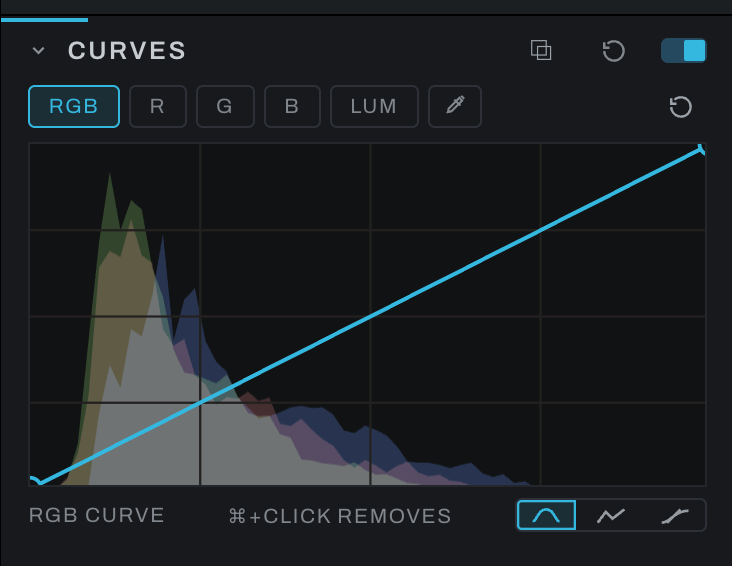
Curves maps input tone to output tone. It can adjust all channels together or shape individual color channels.
Using the editor
- Click the line to add a point.
- Drag a point horizontally to change the input tone it addresses and vertically to change its output.
Ctrl/Command-click a non-endpoint point to remove it.- Use channel chips to edit the composite or an individual channel.
- Arm the picker and click in the photograph to add or select a point at that tone.
- The per-channel histogram behind the curve shows where image data lies.
A gentle S-curve increases contrast; the opposite decreases it. Channel curves can remove a color cast or build a creative grade, but small movements are usually sufficient.
Hold the picker click to drag the new point vertically. Releasing before the sample returns still places the point once, without starting a drag. Moving out of the photograph clears the hover preview, including a preview still being read. A change to the selected curve while a pick is pending keeps the newer curve.