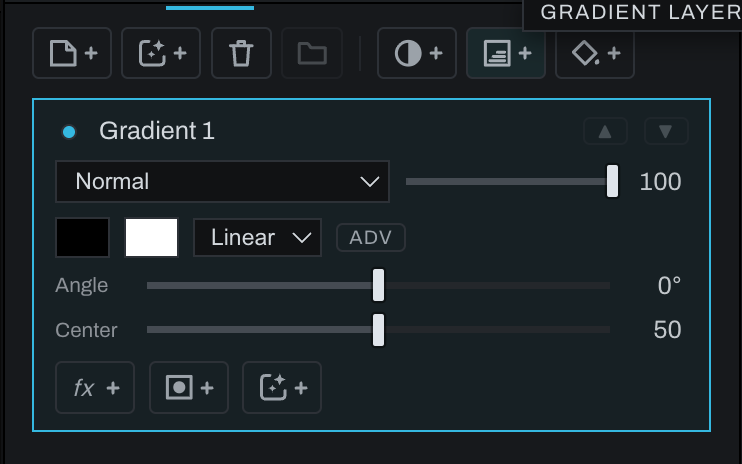
Gradient layer

A Gradient layer blends colors and alpha across the frame. It is useful for graduated sky treatment, light shaping, color transitions, and graphic overlays.
Click the Gradient icon with +, or choose Layer > New Finish Layer… > Gradient Layer. Set the endpoint colors, endpoint alpha, angle, midpoint, and shape. Use ADV for multiple stops and per-stop falloff.
Reposition and shape the gradient in the viewport where available. Blend mode and opacity apply to the layer as a whole; a layer mask further limits the gradient. Keep a gradient as its own layer when its position, colors, or opacity may need later revision.