Groups and clipping

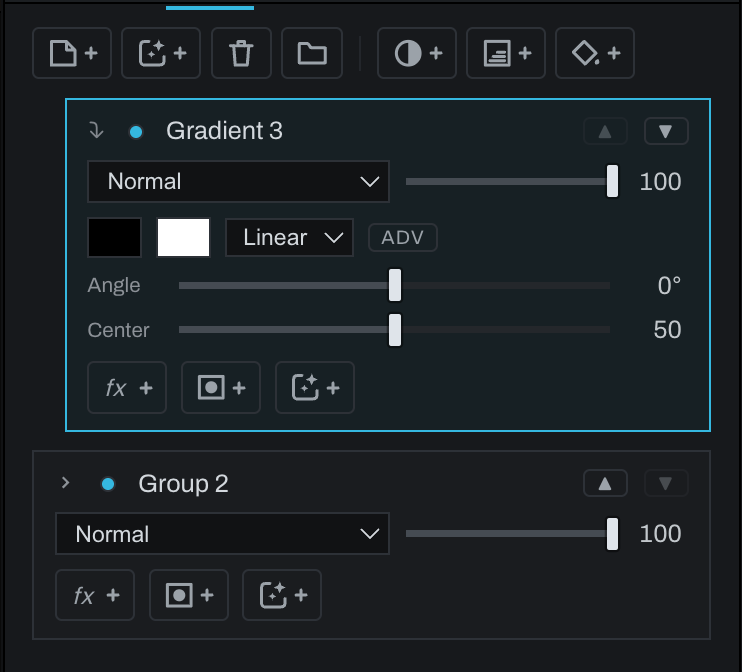
Groups composite their members together, then blend the group result onto the photograph as one unit. A group has its own visibility, blend mode, opacity, and mask.
Group layers
Select two or more adjacent top-level layers and click Group, or use Layer > Group Layers. Click the disclosure arrow to show members. A group cannot be placed inside another group.
Use Ungroup on the group row to return members to the main stack. Use Remove from Group on a member, or Add to Group… on a loose top-level layer. Members can move within their group.
Clipping masks
Select a top-level layer above another and choose Layer > Create Clipping Mask. The clipped row indents and shows an arrow. It becomes visible only where the base layer below has visible pixels. Multiple clipped layers can share the same base.
Choose Release Clipping Mask to restore ordinary full-frame compositing. Clipping is not available inside a group because group members do not use the same top-level base relationship.