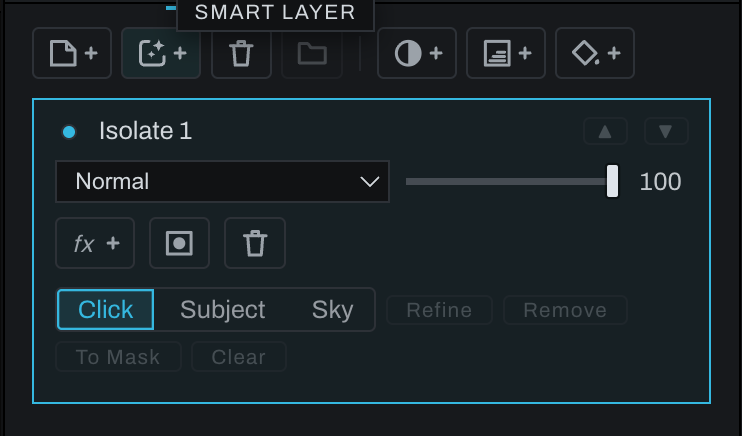
Smart layer

A Smart layer isolates the photograph below using a model-assisted selection based on a subject, sky, or the user's clicks. It places that isolated image region on its own Finish layer.
Click the Smart-layer icon with +, or choose Layer > New Finish Layer… > Smart Layer. Use the prompted Smart selection controls in the image, refine the result, and return to the stack. The layer can then be reordered, blended, masked, grouped, and adjusted like other Finish layers.
Use a Smart layer when the goal is to treat an inferred object or region as composited image content. Use Add Smart Mask instead when the layer content already exists and the model should only control its visibility.