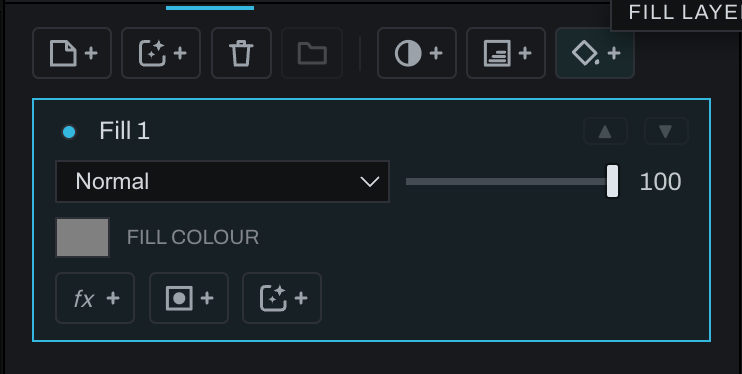
Fill layer

A Fill layer supplies a solid color over the frame. Its color remains a parameter, so changing it updates every visible area immediately.
Click the Fill icon with +, or choose Layer > New Finish Layer… > Fill Layer. Pick the color, then use a layer mask, clipping mask, blend mode, and opacity to control where and how it appears.
Use Fill layers for color washes, background replacements, local tinting, graphic blocks, and masks created from selections. This parameter layer is different from the model-assisted Fill brush and object removal, which create image content based on surrounding pixels.